
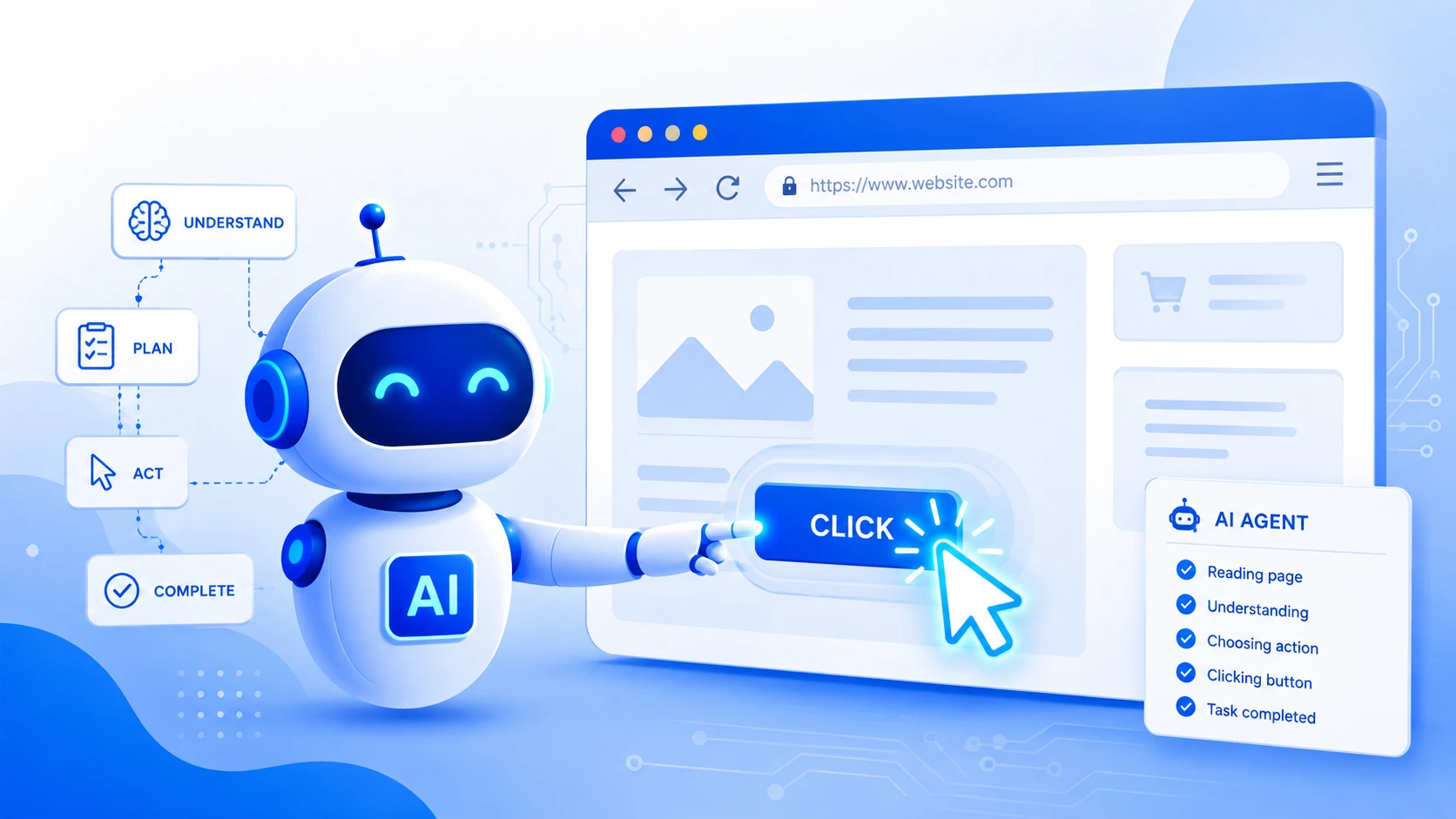
Agentic browsing is changing the way software interacts with the open web. Instead of a human clicking through pages one at a time, an autonomous system observes a page, decides what matters, and carries out actions on its own. Because it enables a program to accomplish multi-step activities without continuous manual input, agentic browsing is currently at the core of discussions concerning automation, online shopping, research, and customer assistance.
What Is Agentic Browsing
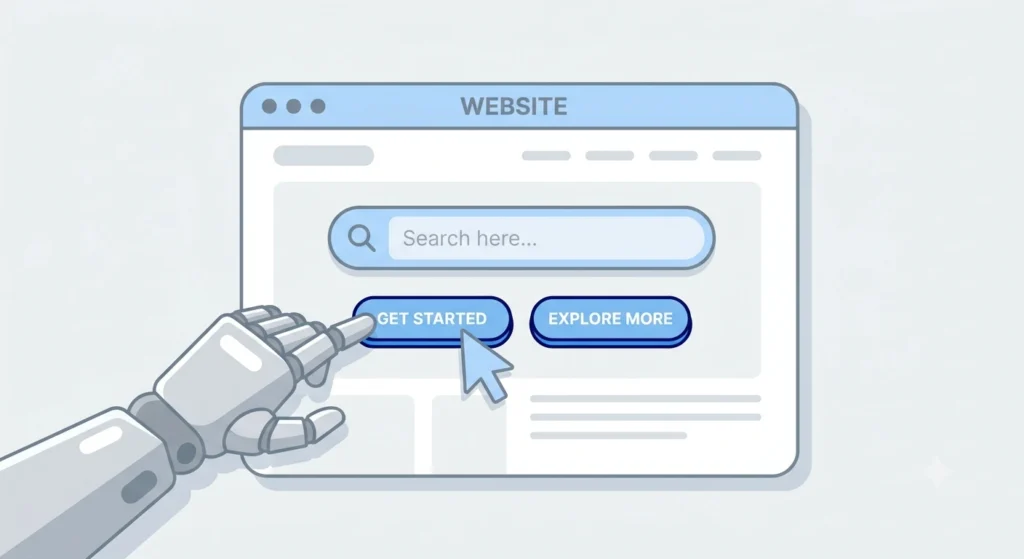
Agentic browsing refers to the ability of an AI-driven agent to read a live web page, understand its structure, and perform actions such as clicking, typing, scrolling, or submitting forms, all without a fixed script written in advance. Traditional automation tools rely on rigid, pre-programmed paths a bot told exactly where to click, in exactly what order. An agentic system works differently. It interprets the page the way a person would, forms a plan, and adjusts that plan as new information appears on screen.
The word agentic comes from “agent,” meaning something capable of independent decision-making. Applied to browsing, that independence means the system can:
- Identify relevant buttons, links, and fields on any layout
- Decide the next logical step toward a goal
- Recover from unexpected pop-ups, errors, or layout changes
- Complete an entire task chain searching, comparing, filling forms, checking out with minimal supervision
How Agentic Browsing Works: The Core Process
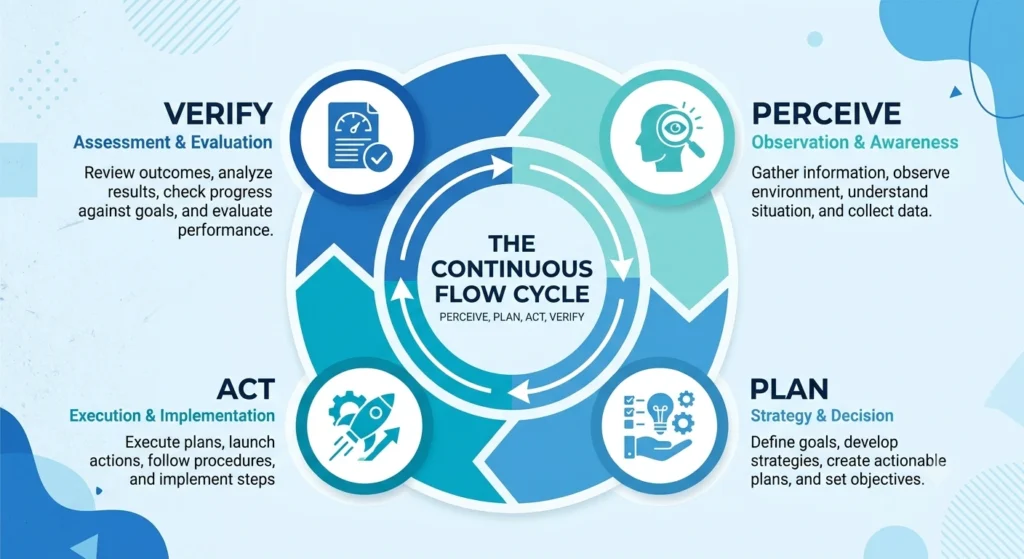
Agentic browsing generally follows a repeating loop made up of four stages.
1. Perception and Page Understanding
The agent first takes in the page content. That can happen through parsing the underlying document structure (the HTML/DOM tree), reading rendered text, or in more advanced setups, analyzing a screenshot with a vision-capable model. The goal at this stage is building an internal map of what exists on screen: buttons, menus, product listings, checkout fields, and so on.
2. Planning and Reasoning
Once the page is understood, a reasoning layer typically powered by a large language model figures out what step comes next. For example, a shopping-related task might require reasoning such as: Find the search bar, type the product’s name, select the top result, check the price and reviews, and then put the item in your cart. Planning is an ongoing process rather than a one-time event because every new page may alter the steps that make sense.
3. Action Execution
After a decision is made, the agent performs the action: a click, a keystroke, a scroll, or a form submission. Execution engines typically rely on browser automation frameworks that can simulate real user input at the code level, making the interaction indistinguishable from manual use in most cases.
4. Feedback and Correction
Every action produces a new page state. The agent observes that result, checks whether the intended outcome occurred, and corrects course if something unexpected shows up a cookie banner, a login prompt, or a broken link. That feedback loop repeats until the overall goal is met or the task is marked as failed.
Core Technologies Behind Agentic Browsing
Several technical components typically work together to make agentic browsing possible:
- Large language models (LLMs): provide reasoning, planning, and natural-language understanding of on-page text and instructions.
- Vision-language models: allow an agent to interpret a page visually, useful for sites with heavy graphics or non-standard layouts.
- DOM parsing and accessibility trees: give structured data about page elements without needing a full image.
- Browser automation frameworks: handle the low-level mechanics of clicking, typing, and navigating.
- Memory and state tracking: keep track of what has already been done in a multi-step task, preventing repeated or contradictory actions.
Agentic Browsing in E-commerce and Digital Commerce Platforms
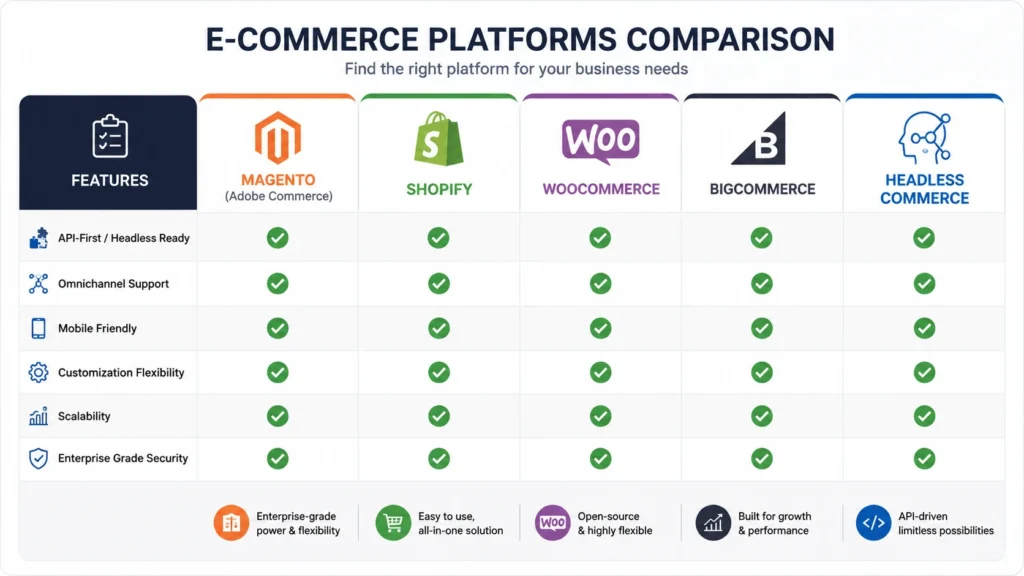
Online retail is one of the strongest use cases for agentic browsing, since shopping naturally involves multi-step journeys: searching, filtering, comparing, and checking out. A growing number of e-commerce platforms are being developed or modified with this type of automation in mind.
Magento and Adobe Commerce
Magento, now part of Adobe Commerce, offers deep customization at the catalog and checkout level, which makes it a common target for agent-driven shopping flows. Product data structured through Magento’s APIs can be read directly by an agent, skipping the need to visually parse a storefront page at all.
Shopify
Shopify stores are widely standardized in their storefront structure, making them relatively predictable for an agent to navigate. Storefront APIs and app integrations allow an agent to query inventory, pricing, and order status without manual page scraping.
WooCommerce
Built on WordPress, WooCommerce exposes REST APIs that agentic systems can call directly, bypassing the visual layer of the site entirely for tasks such as checking stock or placing test orders.
BigCommerce
BigCommerce provides a similarly API-first structure, and its flexible theme architecture supports agent interaction both through direct API calls and through simulated browsing when no API access is available.
Headless Commerce Architectures
Headless commerce where the front-end presentation layer is separated from the back-end commerce engine is particularly agent-friendly. Because the storefront is often just a thin presentation layer over an API, an agentic system can interact with the underlying commerce logic directly, without needing to interpret buttons or menus at all. That structure tends to produce faster, more reliable automated interactions compared with traditional monolithic storefronts.
Benefits of Agentic Browsing
- Reduced manual effort for repetitive multi-step online tasks
- Faster task completion, since no human delay is needed between steps
- Consistency, since a well-built agent performs the same task the same way each time
- Scalability, allowing thousands of parallel sessions where a human workforce would not be practical
- Better handling of dynamic or personalized pages, since reasoning replaces fixed scripts
Challenges and Limitations
Agentic browsing is not without difficulty. Common obstacles include:
- CAPTCHAs and bot-detection systems, designed specifically to block automated interaction
- Constantly changing page layouts, which can confuse perception models trained on older versions of a site
- Authentication and payment steps, which often require secure handling that goes beyond simple clicking
- Cost and latency, since reasoning through an LLM for every step can be slower and more expensive than a fixed script
- Ethical and legal boundaries, particularly around scraping restrictions, terms of service, and data privacy
Best Practices for Building Agent-Ready Websites
Site owners looking to support agentic interaction rather than fight it often follow a few practical steps:
- Expose structured data through clean APIs wherever possible
- Use semantic HTML with clear labels for buttons, forms, and navigation
- Avoid unnecessary pop-ups or interstitials that interrupt automated flows
- Provide clear, machine-readable product and pricing information
- Test storefronts against common automation frameworks before launch
Future of Agentic Browsing
Momentum behind agentic browsing continues to build, particularly as commerce platforms, travel booking systems, and research tools move toward multi-step automated interaction. Standards for how agents identify themselves, request permission, and interact safely with sites are still forming. As that infrastructure matures, agentic browsing is expected to shift from a novelty feature into a standard layer of how software interacts with the web.
Frequently Asked Questions
What is agentic browsing in simple terms?
Agentic browsing describes an AI system that can read a web page, decide what to do next, and carry out actions like clicking or typing on its own, rather than following a fixed, pre-written script.
How is agentic browsing different from regular web automation?
Regular automation follows exact, pre-programmed steps. Agentic browsing uses reasoning to adapt in real time, handling unexpected pop-ups, layout changes, or new information without needing a rewritten script.
Which e-commerce platforms support agentic browsing best?
Platforms with strong API access including Shopify, WooCommerce, BigCommerce, Magento/Adobe Commerce, and headless commerce setups tend to support agentic interaction more smoothly than sites built purely for visual, manual browsing.
Is agentic browsing safe for online shopping and payments?
Safety depends heavily on how an agent is built and what permissions it holds. Reputable implementations include safeguards around authentication, payment steps, and explicit confirmation before completing purchases.
What technology powers agentic browsing?
A combination of large language models for reasoning, vision-language models for interpreting layouts, browser automation frameworks for executing actions, and memory systems for tracking task progress.
Will agentic browsing replace human browsing entirely?
Unlikely in the near term. Agentic browsing is best suited to repetitive, well-defined, multi-step tasks, while exploratory or highly subjective browsing still benefits from direct human judgment.
Conclusion
Agentic browsing marks a shift from rigid, scripted automation toward systems capable of reading a page, reasoning about it, and acting the way a real visitor would. From perception through planning, execution, and feedback, the process allows software to complete multi-step online tasks with far less manual oversight than before. Commerce platforms such as Magento, Adobe Commerce, Shopify, WooCommerce, BigCommerce, and headless setups are already shaping their infrastructure around that shift, since structured data and clean APIs make agent-driven interaction faster and more reliable. Challenges around bot detection, changing layouts, and secure payment handling remain, but the overall direction is clear: agentic browsing is steadily becoming a standard way that software engages with the web, rather than a specialized exception.